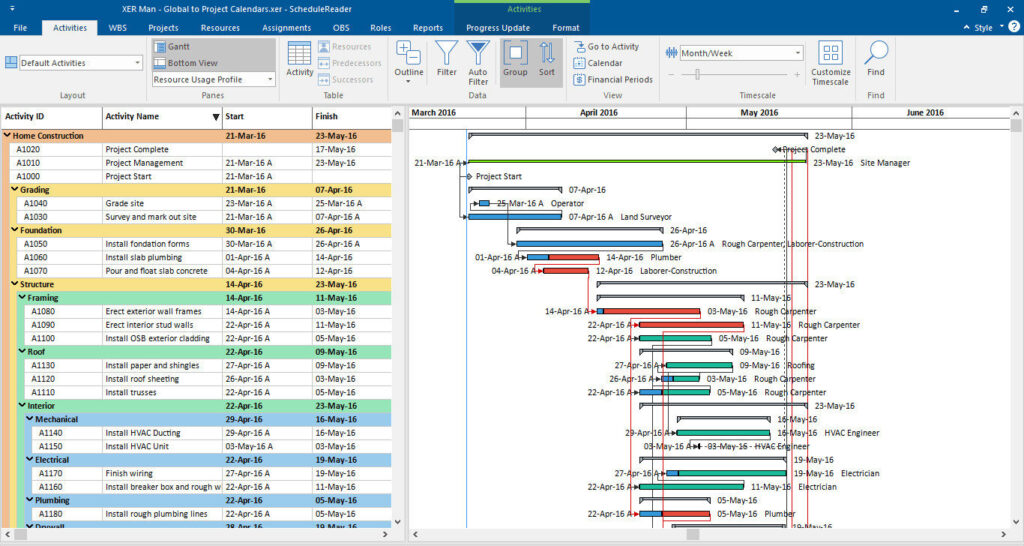

An overview of the open project activities can be seen when clicking on the Activities ribbon tab.
Here you can see an Activity table that displays the Activity data in multiple columns. To add or remove columns in the Activity table, click on the Activity Table button.
The Customize Columns dialog box will be opened. From the Available Columns list, select the desired Column and add to the right by clicking on the arrow.
To apply the changes, simply close the window. There is also Details View at the bottom of the window, which can give additional details about specific activities like: